Land Your First Donation: Playbook
Focused tactics to get that critical first gift today.
Land Your First Donation: Fundraiser Playbook
A focused guide for community fundraisers to get that critical first gift on your calendar.
Overview
Your first donation is the hardest — and the most important. Once one day is claimed, your calendar has social proof. Other supporters see activity and feel confident giving.
This playbook gives you a specific, step-by-step approach to land that first gift today.
The first-donation mindset
Before you start sharing:
- It's not about asking for money. It's about inviting people to be part of something you care about.
- Start with people who already support you. Your first ask should go to someone who would say yes to almost anything you asked.
- Small days count. Day 3 ($3) is just as valuable for momentum as Day 25 ($25).
- One is all you need. Once you get one, the second comes easier.
Step 1: Identify your "Day 1 Five"
These are the five people most likely to give without hesitation:
- A parent or close family member
- Your best friend
- A mentor who believes in you
- A coworker who always supports team activities
- Someone who has given to causes you've supported before
Write down their names right now. These are your first five asks.
Step 2: Craft a personal message
Don't copy-paste a generic ask. Write something that sounds like you:
Template (customize it)
Hey [Name]! I'm raising money for [organization] this month with a pick a date calendar. Each day is a different dollar amount — Day 5 is $5, Day 15 is $15, etc. Would you claim a day for me? Even a small one makes a real difference. Here's my calendar: [your link]
What makes it work
- Say their name — Makes it personal, not mass-sent
- Explain the concept briefly — Pick a date is new to most people
- Offer an easy out — "Even a small one" removes pressure
- Include your link — Make it one click to act
Step 3: Send five direct messages right now
Don't post on social media first. Start with direct messages:
- Open your Share page to copy your link.
- Open your texting or messaging app.
- Send a personalized message to each of your Day 1 Five.
- Do it now, before you overthink it.
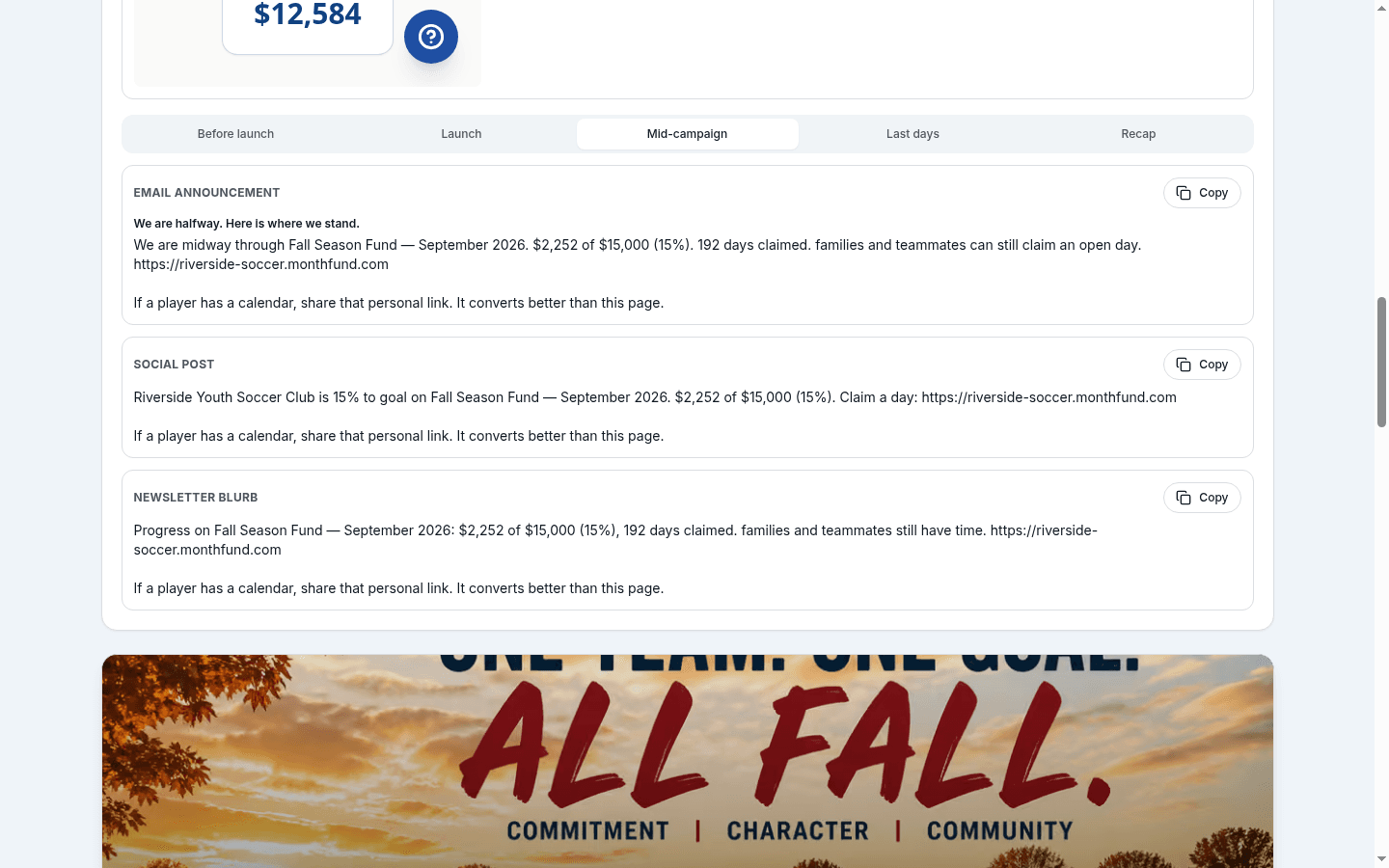
Best channels (in order of effectiveness)
- Text message — Highest open and response rate
- WhatsApp / Messenger / Signal — Next best for people you chat with there
- Instagram or Facebook DM — Good for friends you connect with on social
- Personal email — Works for professional contacts
Step 4: The affordable days pitch
If someone says "I don't have much to give":
No problem! Days 1-10 are only $1-$10. Even Day 3 helps me reach my goal. Every day on my calendar counts!
Key insight: Many people feel awkward giving small amounts. Give them permission by highlighting the low days.
Step 5: Follow up if no response
If you don't hear back within a day:
Hey! Just following up on my calendar link. No pressure at all — just wanted to make sure you saw it. [link]
One follow-up is fine. If they don't respond after two messages, move on. Not everyone will give, and that's okay.
Step 6: Celebrate and thank immediately
When that first day gets claimed:
- Check your Dashboard — You'll see the notification.
- Go to your Donors page — Find the person who gave.
- Click Say Thanks — Send a personal thank-you right away.
- Bonus: Screenshot your calendar with one day claimed and share it with your next ask.
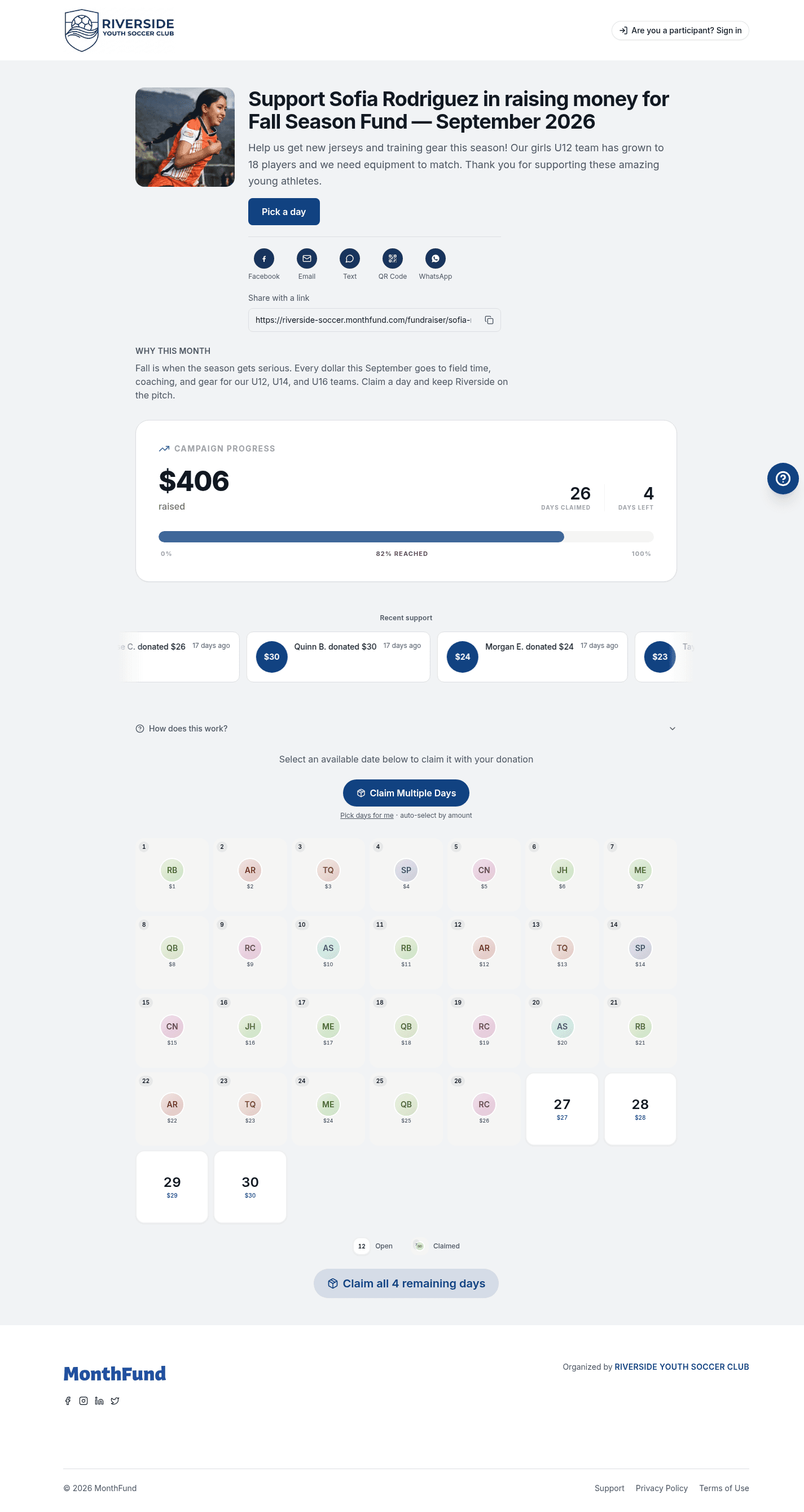
Sample thank-you
[Name]! Thank you so much for claiming Day [X] on my calendar! You're literally my first supporter and it means the world to me. 🙏
Step 7: Use your first donation as social proof
Now that you have one claimed day:
-
Screenshot your calendar showing the claimed day.
-
Share it with your next round of asks:
"Look — [Name] just claimed Day 7! Who wants to grab a day before they're all gone?"
-
Post on social media (now that you have momentum):
"My calendar is officially started! 🎉 Thanks to [first donor] for claiming the first day. Who's next? [link]"
Quick wins if you're stuck
The "help me test it" ask
Hey! I'm trying out this new fundraising calendar. Would you mind being my guinea pig and claiming a day so I can see how it works? Even Day 1 is fine!
The "I need your advice" ask
I'm doing this pick a date fundraiser and I'm not sure if my page looks okay. Would you mind checking it out and maybe claiming a day? [link]
The "race to first" ask (for competitive friends)
I just set up my fundraising calendar and NO ONE has claimed a day yet. Want to be the first? [link]
Common obstacles and fixes
| Obstacle | Fix |
|---|---|
| "I'm nervous to ask" | Start with the person who loves you most. They'll say yes. |
| "No one has responded" | Follow up once, then move to the next person. |
| "They said they'll do it later" | Send them the link again with "Here's my link when you're ready!" |
| "The link isn't working" | Check if your org has Stripe connected. Ask your admin. |
| "I don't know what to say" | Use the templates above. Authenticity beats perfection. |
The first-donation timeline
| Time | Action |
|---|---|
| Now | Write down your Day 1 Five |
| +5 min | Send five personal messages |
| +1 hour | Check for responses, follow up if needed |
| +4 hours | Send one more round to anyone who didn't respond |
| +24 hours | If no donations yet, expand to 5 more people |
| When claimed | Thank them immediately, then share on social |
After your first donation
Congratulations! Now:
- Keep the momentum — Send another round of 5 personal asks.
- Share on social media — Post about your first claimed day.
- Use your QR code — Show it to people you see in person.
- Download Social Kit graphics — Post branded images on Stories.
See the full Fundraiser First Donation Checklist for ongoing guidance.
Checklist: Land your first donation today
- Write down your Day 1 Five (names of 5 likely supporters)
- Copy your calendar link from the Share page
- Send 5 personal text messages (not social posts)
- Mention affordable days ($1-$10) to remove pressure
- Follow up once if no response after a day
- Thank your first donor immediately
- Screenshot and share as social proof
Related resources
Questions? Contact your organization's admin, visit the Help Center, or contact support.